Better Easing – Animation Add-on for Blender
30% off when you spend $30.00+ for everyone. Promotion auto-applied on checkout.
https://youtube.com/shorts/LUwIBpY9_xk
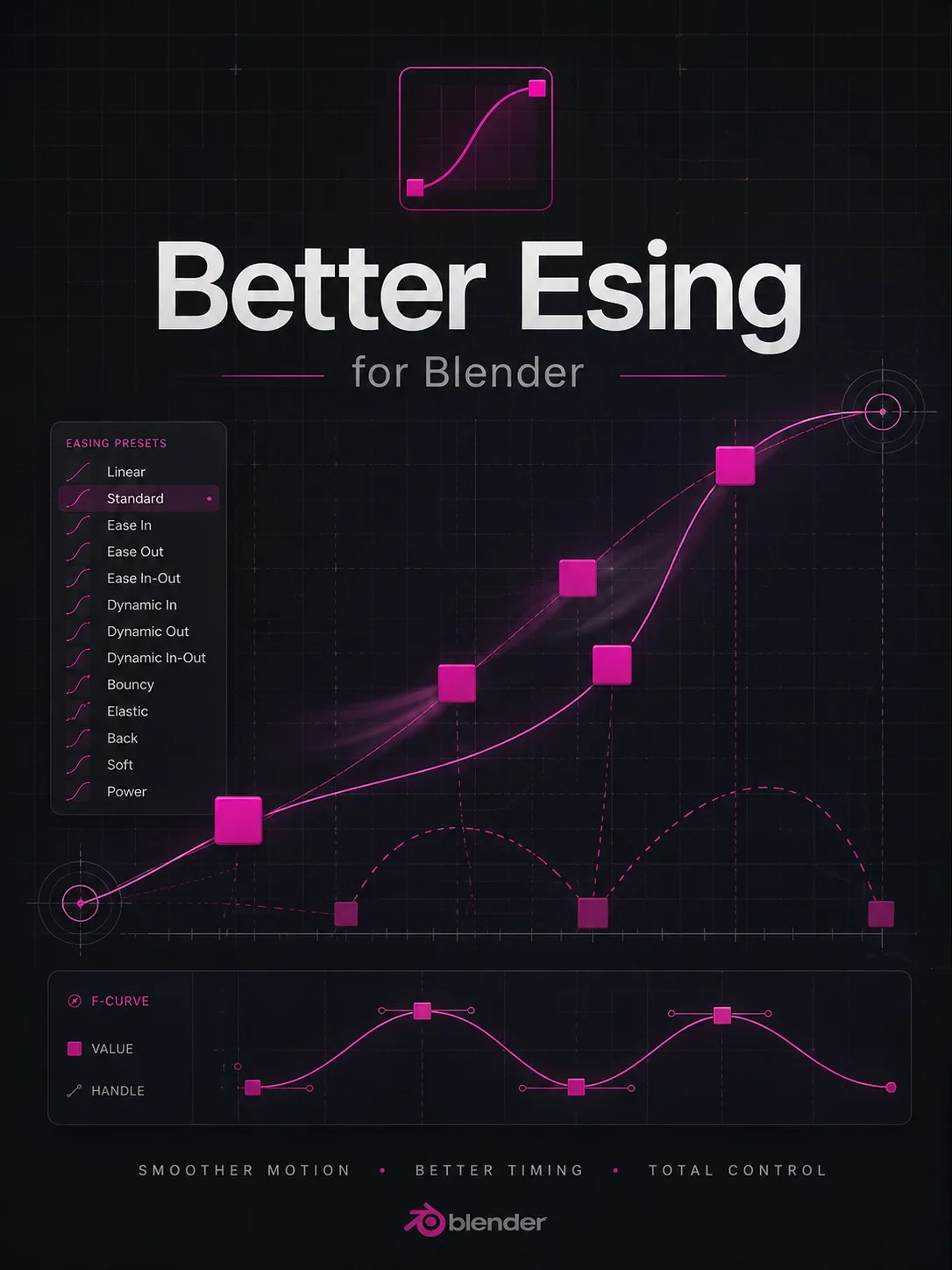
BETTER EASING is a professional animation toolkit for Blender (set of presets)
designed to streamline your motion workflow and curve management.
Full support for Blender 4.x and 5.0+ Slotted Actions.
HOW TO INSTALL:
1. Open Blender.
2. Go to Edit > Preferences.
3. Select the "Add-ons" tab on the left.
4. Click the "Install..." button at the top of the window.
5. Locate and select your addon file (e.g., 'better_easing.py').
6. Check the box next to "Animation: Better Easing" to activate it.
WHERE TO FIND THE ADDON:
The panel is located in the 3D View Sidebar.
Press the 'N' key on your keyboard and look for the "Better Easing" tab.